The Knowledge Problem
Every growing organization hits the same wall: institutional knowledge becomes scattered across wikis, Confluence pages, shared drives, Slack threads, and - worst of all - individual people's heads. New employees spend weeks trying to find answers that exist somewhere but are effectively invisible.
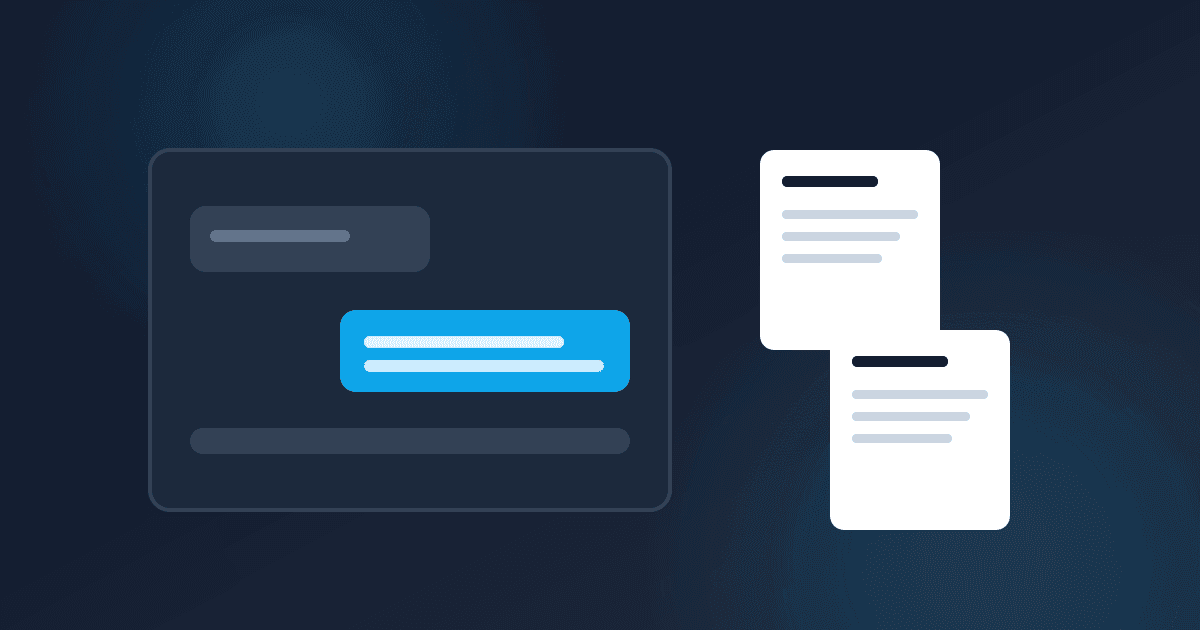
An AI-powered internal chatbot solves this by making your existing documentation searchable through natural language questions. Instead of browsing through dozens of wiki pages, your team asks a question and gets a direct answer with source citations.
This is one of the highest-value AI implementations we see, and it's more accessible than most companies realize.
How It Works: The Architecture
The underlying pattern is called RAG - Retrieval-Augmented Generation. Instead of training a model on your data (expensive and complex), you retrieve relevant documents at query time and feed them to a general-purpose LLM as context.
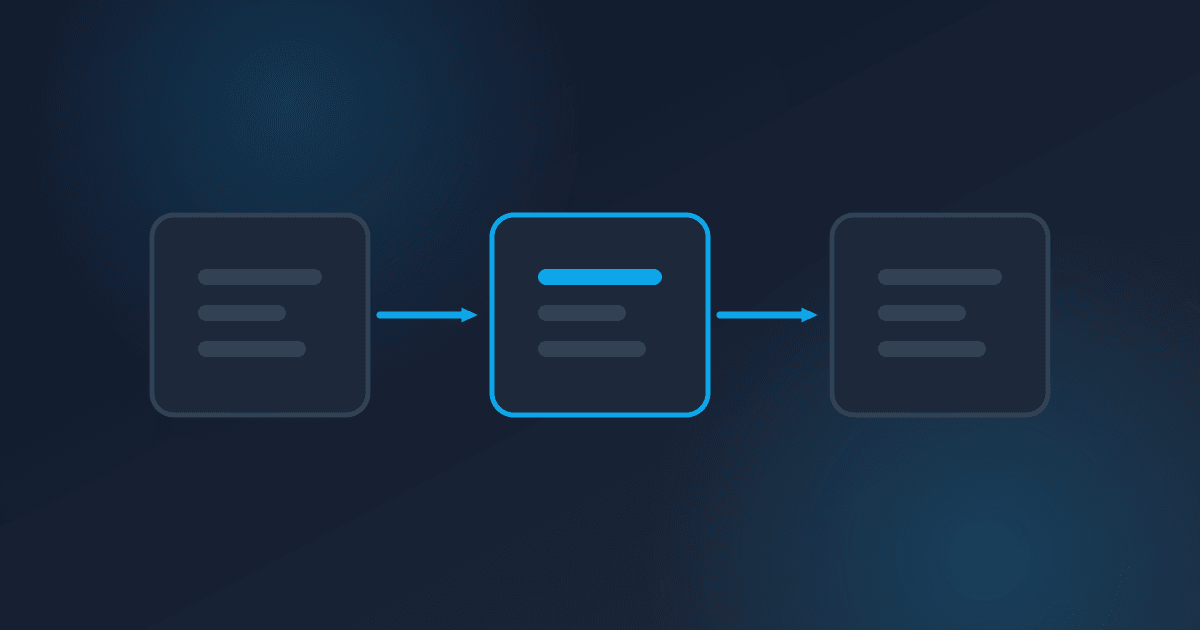
The flow works like this:
- Document Ingestion - Your existing docs are loaded, split into chunks, and stored in a vector database
- User Query - An employee asks a natural language question
- Retrieval - The system finds the most relevant document chunks based on semantic similarity
- Generation - The LLM reads the retrieved chunks and generates a natural language answer
- Citation - The answer includes links back to the source documents
This approach has a critical advantage: the LLM only answers based on your actual documentation. It doesn't hallucinate answers from its general training data - and when it doesn't have enough information, it says so.
Technology Choices
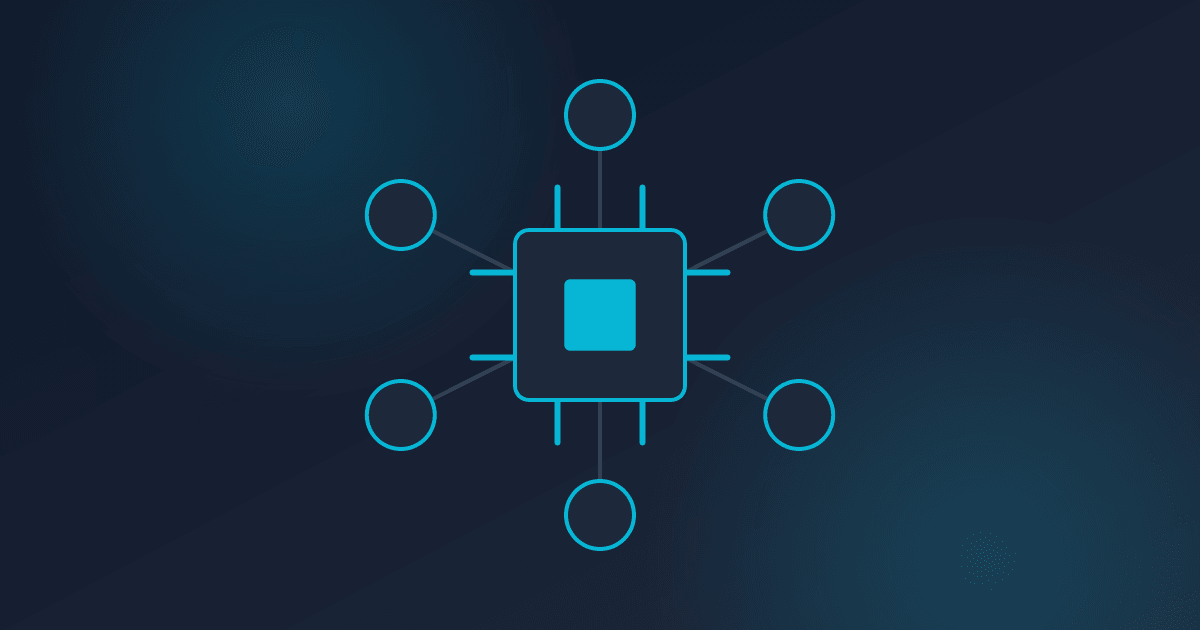
Embedding Models - These convert text into numerical vectors that capture semantic meaning. OpenAI's text-embedding-3-small is cost-effective and performant. AWS Bedrock offers Titan embeddings if you want to stay within the AWS ecosystem.
Vector Database - This stores and searches your document embeddings. Options range from managed services to self-hosted:
- Pinecone - Fully managed, easy to start with, scales well
- pgvector - PostgreSQL extension, great if you already run Postgres
- OpenSearch - Good for organizations already using it for logging
For most mid-size deployments, pgvector is the sweet spot - no additional infrastructure to manage.
LLM - Claude or GPT-4 for answer generation. The choice matters less than you'd think - both are excellent at synthesizing retrieved documents into clear answers. Choose based on pricing, latency, and your existing vendor relationships.
Frontend - A simple chat interface embedded in your intranet, Slack, or Teams. Vercel AI SDK makes this straightforward for web-based interfaces.
Critical Design Decisions
Chunking Strategy
How you split documents into chunks significantly affects answer quality. Chunks that are too small lose context. Chunks that are too large dilute relevance.
A good starting point: split by section headers, with each chunk between 200-500 tokens. Include the document title and section hierarchy as metadata in each chunk so the LLM has context about where the information came from.
Metadata Filtering
Not all documents are relevant to all users. Tag chunks with metadata - department, project, document type, date - and filter at query time. An engineering question shouldn't search HR policy documents.
Access Control
This is the most commonly overlooked aspect. Your chatbot should respect the same access controls as your original documents. If a document is restricted to the leadership team, the chatbot shouldn't surface it to everyone.
Implement this at the retrieval layer: filter vector search results based on the querying user's permissions before passing them to the LLM.
Citation and Source Linking
Always show users where the answer came from. Every response should include clickable links back to the source documents. This builds trust, allows verification, and helps users find related information.
Measuring Success
Track these metrics to evaluate whether your chatbot is delivering value:
Answer accuracy - Have subject matter experts review a sample of answers weekly. Aim for 85%+ accuracy in the first month, improving to 95%+ as you refine chunking and prompts.
User adoption - Track unique users and query volume. A useful chatbot sees increasing usage. A poorly implemented one gets abandoned after the novelty wears off.
Time saved - Survey users monthly on how much time the chatbot saves them. Compare against the baseline of searching manually.
Escalation rate - How often does the chatbot say "I don't know" or get a follow-up question that suggests the first answer was unhelpful? This metric helps you identify documentation gaps.
Common Pitfalls
Launching without enough content. If your knowledge base is sparse, the chatbot will frequently say "I don't have that information." This kills adoption. Ensure you have at least your core documentation indexed before launch.
Ignoring stale content. If your wiki has outdated pages, the chatbot will give outdated answers. Implement a content freshness pipeline - re-ingest documents on a schedule and flag content that hasn't been updated in over a year.
Over-promising capabilities. Set clear expectations about what the chatbot can and can't do. It answers questions about your documented knowledge. It doesn't replace human judgment, make decisions, or access real-time data unless you specifically build those integrations.
Getting Started
Start small. Pick one well-documented area - your engineering runbooks, your HR policies, or your product documentation. Build a proof of concept, test it with a small group, iterate on the chunking and prompts, and expand from there.
The companies that succeed with internal AI chatbots are the ones that treat it as a product - with users, feedback loops, and continuous improvement. Not a one-time deployment.
If you want help designing or building an internal knowledge chatbot, we can walk you through the architecture and help you avoid the common pitfalls.
Written by
Chris EdwardsPrincipal Consultant, Edwards Consulting Group
Chris Edwards is the principal consultant at Edwards Consulting Group, where he helps organizations reduce AWS spend, harden their cloud security posture, and put AI to work in production. He writes about cloud architecture, FinOps, cybersecurity, and practical AI integration drawn directly from client engagements.
More about Chris Edwards→